 1-201-748-2878
 info@hiveio.com
Get it Free
info@hiveio.com
Get it Free
Hive Fabric builds on the industry leading open-source hypervisor - KVM. A highly scalable and efficient hypervisor.
KVM has been deployed to hundreds of thousands of servers and includes active contributions from many of the largest technology companies and cloud providers.
Hive Fabric simplifies the deployment and management of KVM by abstracting it’s complex array of options and interfaces into a simple-to-use way that is orchestrated through our evolutionary Message Bus and UI.
Storage is the key to a successful VDI project providing the foundation for a performant desktop. With a wide variety of storage capabilities Hive Fabric ensures you can not only leverage existing investments in storage platforms, but also focus on delivering the best desktop and application performance for the end user. You decide which to use when.
Virtualize physical network infrastructure with Software Defined Networks. Supporting a wide variety of network infrastructure from basic 1GB to the latest 100GB technology and beyond, Hive Fabric can be deployed to optimize how the network is used. Break large physical pipes into individual logical networks to isolate different types of traffic on your network.
Optimize the end user experience by separating management and storage network on the backend from the end-user facing virtual desktops, providing the band-width where it is needed most.
Define networks based on your individual business requirements -- this could be by department, by user role, or even by customer if you are a MSP.
The Message Bus is at the heart of Hive Fabric, hidden away to focus on intelligently managing your infrastructure and virtual desktops. The message bus allows you to have a fully autonomous platform where you simply manage the templates and applications - the parts that matter to your business. Every transaction and usage gets written to the message bus, and provides you the ability to understand how the environment is being used, which applications are being installed, and detect anomalies and changes in real-time. Adhering to corporate or regulatory compliance becomes much easier.
Furthermore, with Hive Fabric resource management turns from a large set of guesses, rules and ongoing decision making by your IT team to a simple switch that you enable to allow our Message Bus to intelligently manage the virtualization platform and distribute resources as it see fit. After all the infrastructure is best placed to make these decisions with the help of AI more than any overworked IT contractor. The message bus will keep you apprised of any issues that may need your assistance within your infrastructure. The Message Bus is built into every server -- no additional components to manage, no databases to deploy, no need to worry about scaling and how often you need to back up.
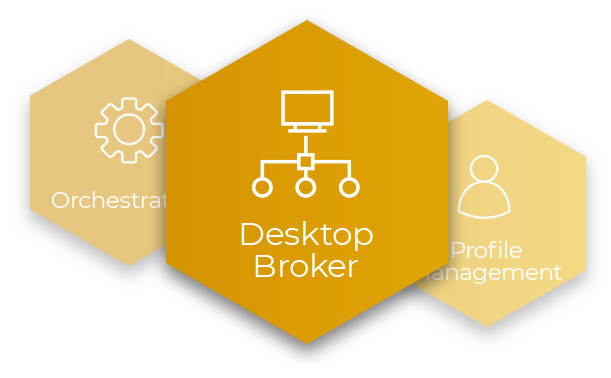
Whether you decide to deploy a stateless desktop pool to an HR team in New York or a persistent desktop pool to a Finance team in London the broker ties all of this logic together and provides a user with an icon to click and connect to their desktop.
Not only can a user access virtual desktops but they can also securely access physical desktops and servers in remote locations. IT teams can rest at ease knowing that within a few clicks they can remotely give offsite staff instant access to otherwise land-locked assets. The pandemic has illustrated just how valuable this capability is.
Hive Fabric comes with the ability to connect through a browser and launch an RDP session, a native client for Windows and Linux for even more flexibility and end user device support. Need to access a server and only have an iPad - no problem the HTML 5 client provides end-users and administrators alike and ability to connect to their desktop or server from any device.
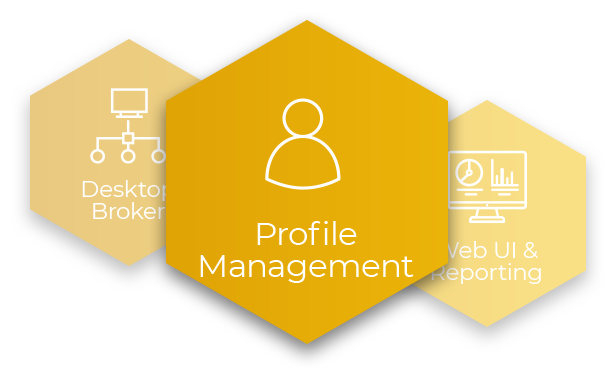
Hive Fabric builds on the desktop broker with a number of required capabilities for VDI to be successful - Profile Management and GPU Acceleration. These together help drive the best possible experience for the end user while ensuring agility and optimization of resources for IT and the business.
Profile Management is a must for any VDI deployment, the user expects their icons to be in the same place every time - get this wrong and you hear about it very quickly. Implementing a patent pending capability to efficiently manage the users profile is just one way Hive Fabric ensures your end-users are happy.
Another key consideration is the speed of the desktop and how the applications can run at their best. GPU is supported out of the box for both NVIDIA passthrough and ATI virtualization - you can dynamically add resources to scale as your environment and user needs change and evolve.
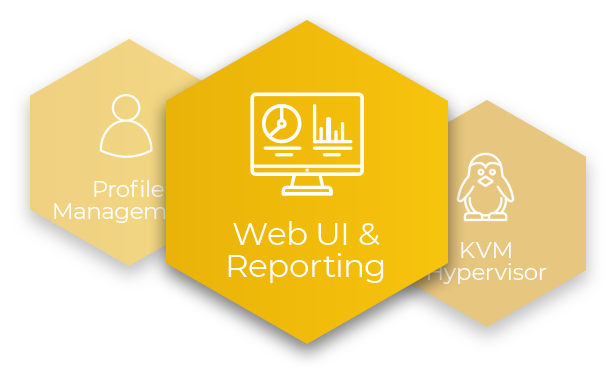
Hive Fabric's graphically rich interactions make it simple to understand your infrastructure, see any issues that need attention, and gain real insight into how you infrastructure is operating. Powered by our Message Bus - real time updates for any desktop or host stream effortlessly into the UI.
Hive Fabric continues to work in the background for you, as Hive Sense uploads configuration backups and log data back to our cloud to provide you with industry leading pro-active support. Be safe in the knowledge that our support get notified if your deployment stops communicating.
Use the AI ready Message Bus and Hive Fabric's open REST API as an integration point with the tools available in your company - leverage the insight and data from our message bus into your enterprise monitoring or reporting platform.
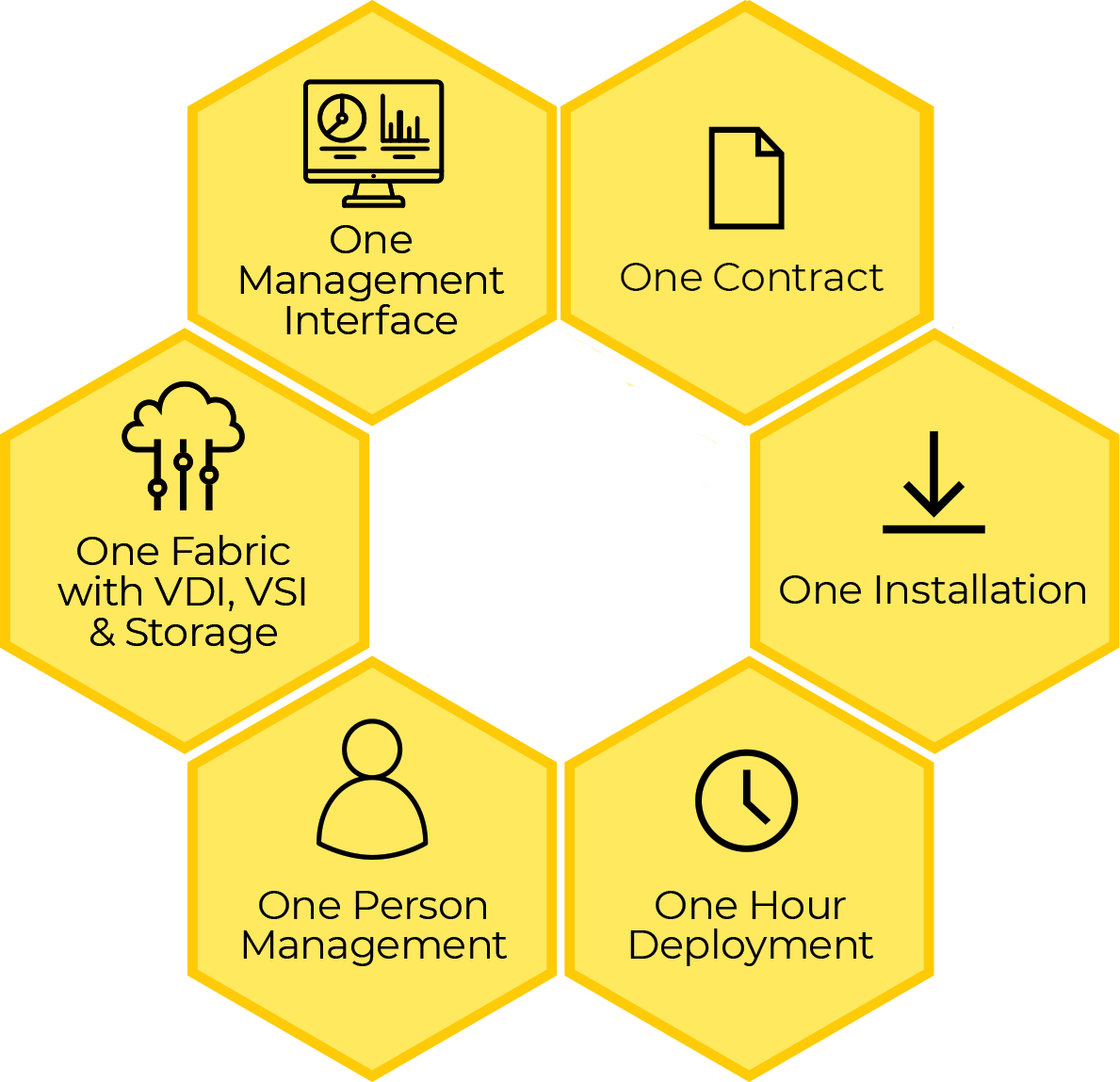
Hive Fabric isn't just focused on simplifying VDI for your IT teams. We make it simple for your procurement and support departments to engage with HiveIO.
Support is provided whenever you need it - any time of the day or night on a 24 x 7 basis as standard. We want our customers to have the best possible experience and should issues arise they should be dealt with as soon as possible. You should not have to pay extra for this level of support.
Hive Fabric is licensed on a per VM per month basis, no large upfront CAPEX investment required. To simplify billing your procurement team can pre-pay in 1 ,3, and 5 year terms.
HiveIO is the only solution to deliver an entire Virtual Desktop Infrastructure, tightly integrated into a single product.
HiveIO is the leader in providing the right mix of capabilities to enable remote workforce to run virtual desktops, access physical desktops, or access physical servers, while deploying our technology on premises or in the cloud.
We have the most powerful VDI platform in the market and all the required bases covered

HiveIO's free community edition is an intelligent virtualization software that gives you the ability to create 5 virtual machines on a single host.
